0207 608 5500





Search ideas, news and case studies
Blog Categories
How to Get More Out of ChatGPT and Other AI Tools for Your Small Business
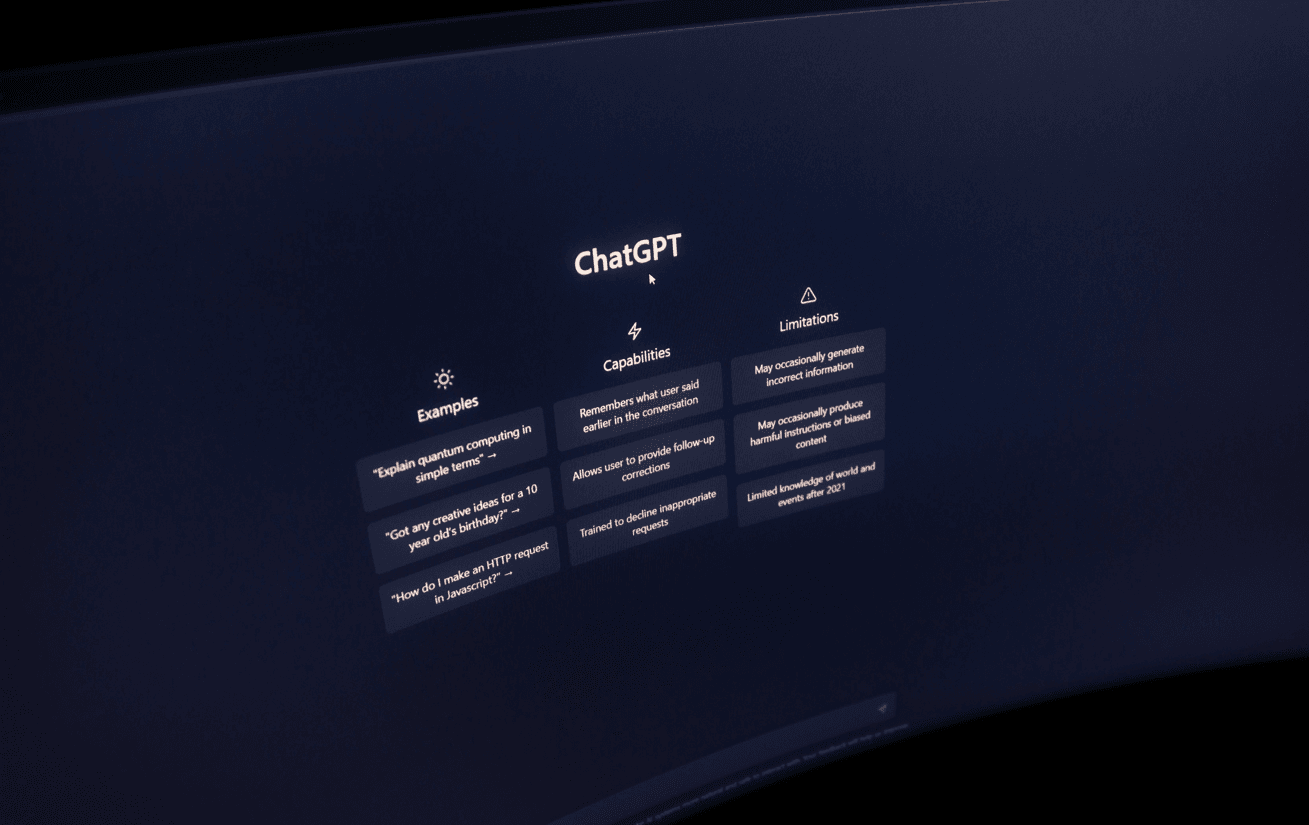

Most people get a mediocre answer out of ChatGPT, shrug, and decide AI "isn't that useful." Usually it's not the tool's fault. It's the prompt. A vague ask gets a vague answer, on any AI, Claude and Gemini included, and the fix is almost always the same handful of habits.
Key Takeaways
- Tell it about your actual business before asking for output. Generic prompts get generic answers, every time.
- Break big asks into smaller steps, then refine what comes back instead of starting over when it's not quite right.
- Check anything specific before it reaches a customer, a contract, or a decision. Confident-sounding isn't the same as correct.
- Don't paste customer data, financials, or anything sensitive into a free chatbot without checking what happens to it first.
- Different tools are good at different things. Worth trying more than one rather than assuming whatever you opened first is the right fit for everything.
Why Bother With AI as a Small Business Owner?
Early on, you're doing everything yourself. No team to hand the annoying stuff to. That's exactly where a tool like ChatGPT or Claude earns its keep, drafting a reply to an awkward client email, giving you a first pass at a social caption, getting you past the blank page on a presentation you've been avoiding.
It's not a replacement for your own judgement. It's more like removing the friction of starting, so you can spend your actual thinking time on the stuff that needs it.
How Do You Actually Get Something Useful Out of It?
Give it real context. This is the one thing that changes everything. "Write me an Instagram caption" gets you something bland. "Write a caption for a small Italian place in Liverpool, promoting a new seasonal pasta dish, friendly, under 150 characters" gets you something you'd actually post. Specificity does most of the work.
Break it into pieces. Ask for a whole marketing plan in one go and you'll get something generic and a bit hollow. Ask for the audience first, then the message, then the ideas, one at a time, and you end up with something you can genuinely use.
Don't start over, push back instead. First draft not quite right? Tell it what's wrong. "Friendlier, add an emoji or two" or "cut this in half, less jargon" gets you there faster than binning it and trying again from scratch.
Give it a role if it helps. "Respond as an experienced copywriter" or "as a customer service manager" nudges the tone and structure somewhere more useful than a flat, generic response.
Where Does This Actually Help Day to Day?
- Communications. Client emails, captions, newsletters, internal messages. Faster with a starting point than a blank screen.
- Brainstorming. Names, campaign angles, working through a problem you're stuck on.
- Customer support. First drafts of replies to common questions, or building an FAQ from what people keep asking.
- Research. A quick first pass on a topic, though anything specific is worth checking properly afterward.
- Content. Blog outlines, product descriptions, a rough first draft you'll then actually edit.
- Reviewing documents or feedback. Summarising something long, or spotting patterns across a pile of reviews.
What's Worth Being Careful About?
It can sound completely sure of itself while being wrong. That's the main trap. Anything specific, a fact, a figure, a legal point, check it before it goes near a customer or a decision.
Be careful what you type in, too. Customer data, financials, anything confidential, don't paste it into a free chatbot without knowing what happens to it once it's in there. Some paid business plans handle data more carefully than the free consumer version, worth checking before you rely on one for anything sensitive.
And treat whatever it gives you as a first draft, not the finished thing. Your judgement and your tone still need to go over it before it goes out.
Does It Matter Which Tool You Use?
A bit, yes. ChatGPT, Claude, and Gemini are all solid general-purpose assistants for writing, brainstorming, research, that kind of thing. Microsoft Copilot is built to live inside Word, Excel, and Outlook, so it might suit you better if that's where most of your day already happens. A few, Claude included, now offer setups built specifically for small businesses that connect straight into your accounting software or CRM, worth a look if you'd rather it worked across your existing tools than sat in its own separate window.
At the time of writing, ChatGPT have recently begun the process of retiring their custom GPT's and they have replaced them with plugins and dots. We have another article detailing what these new features are and what they can do for you. Check it out here.
FAQs
Is AI going to replace my judgement in the business?
No, it's not built to. It speeds up drafts, research, and brainstorming. The decisions, the tone, the final sign-off, that's still on you.
Is it safe to put confidential business information into these tools?
Only once you've checked how that specific platform and plan handles data. Skip pasting sensitive customer or financial details into a free chatbot until you've confirmed its policy.
Why does the output feel generic?
Because the prompt probably was. Add real context, your industry, your audience, your actual goal, and the difference is noticeable.
Can I just trust what it tells me?
Not blindly. It can be confidently wrong. Verify anything factual, especially numbers or legal claims, before you act on it.
Which tool should I actually use?
Depends what for. ChatGPT, Claude, and Gemini suit writing and brainstorming. Something built into your existing software, like Copilot, might suit day-to-day document work better.
This article is for general information only. AI tools and their features change frequently, so it's worth checking each provider's current capabilities and data policies directly before relying on them for business use.